Ordering PCBs and PCBA Online: A Step-by-Step Walkthrough
A first-timer’s walkthrough of ordering PCBs and assembly online: instant pricing, uploading Gerbers, options, payment and what happens before delivery.
Microplacer team · 15 November 2026 · 4 min read
 Ordering & Cost
The first time you order boards online, the hardest part is usually not the design — it is not knowing what happens after you click upload. This walkthrough follows a first order from start to finish: what gets an instant price, how to set the options, how assembly is added, how you pay and what to expect before the parcel arrives.
Step 1: Check whether your board gets an instant price
Most everyday designs are priced the moment you enter them. Some boards need a human to look at the material, stack-up or process first, so they go to our team for a quotation instead. A quick way to tell which path you are on:
| Your board | How it is priced |
|---|---|
| FR-4, 1 to 16 layers, standard options | Instant online price |
| Flex PCB, up to 16 layers | Instant online price |
| Aluminium, copper core, Rogers / PTFE | Quoted by our team |
| 18 or 20 layers, or special requests | Quoted by our team |
If your board falls in the second group, nothing is lost: use “Send for quote” and the quotation comes to you by email. Whichever path you take, the minimum order is 5 PCBs.
Step 2: Upload your Gerbers and confirm the board size
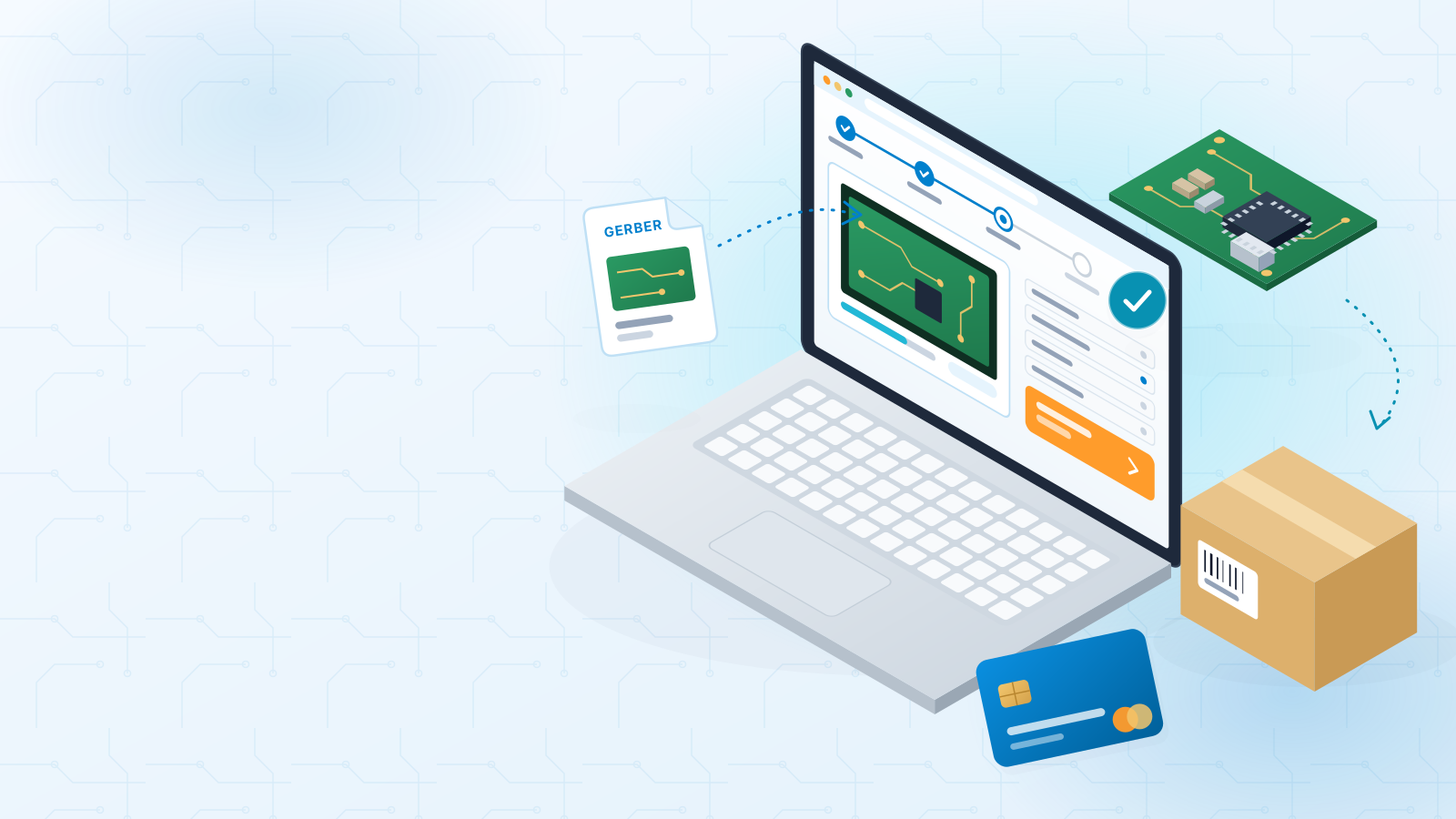
You can see a rough price just by typing a size and layer count, but that is only an estimate. Uploading your Gerber files lets the calculator read the real outline, so the size it uses comes straight from your design. Treat that number as a suggestion to verify, not a fact to skip past: glance at the width and height and make sure they match what you expect from your CAD tool.
- Export a complete Gerber set — every copper layer, solder mask, silkscreen, paste layers and a board outline.
- Include the drill files; holes are part of what makes the price exact.
- If the size looks wrong, check the outline layer first — a stray line or missing edge is the most common cause.
Step 3: Choose options and add production notes
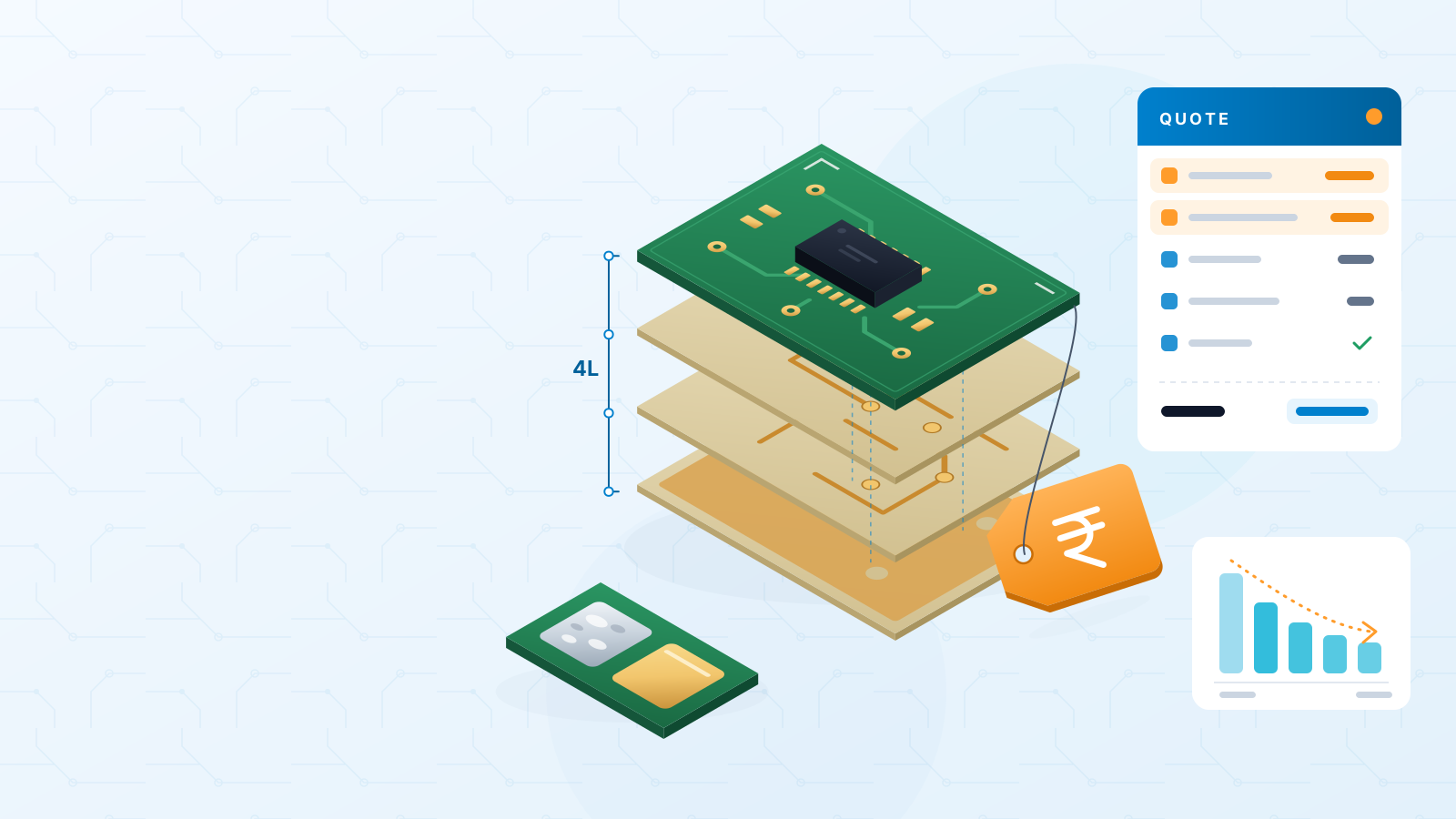
Next come the board options: thickness, copper weight, surface finish, solder mask colour and any special features. If you are unsure, the standard settings suit most prototypes. Options that add process steps — heavier copper, gold fingers, impedance control — will move the price, so only pick what your design actually needs. Our PCB cost factors guide explains which choices matter most.
Many designers put fabrication notes inside their files: a stack-up drawing, a finish requirement, a note about controlled impedance. Those notes are read and compared with the options you selected. If something in the notes does not match the calculator, it is flagged rather than ignored.
Step 4: Add assembly if you need assembled boards
Want the boards populated too? The instant assembly (PCBA) price depends on two things: how many boards you order and how many pads need solder on each one. That count covers the surface-mount pads on whichever sides you choose to populate, plus the through-hole pads. It is taken from your Gerber, largely from the paste layers, and you can correct it if it looks off.
| Assembly quantity | Stencil |
|---|---|
| 5 to 50 boards | No stencil charge |
| 55 boards and more | One-time shared stencil charge shown in the quote |
A few rules worth knowing before you start:
- Boards with BGA or LGA packages, or 0201 and smaller parts, go to engineering review before pricing — hidden joints and tiny parts need extra planning.
- Assembly is done in panels only, so pick panelisation by us or supply your own panel. The panel guide shows what a good panel needs.
- You will also need a BOM and a pick-and-place (centroid) file alongside the Gerbers.
- Need parts? Search our electronic components store by part number, compare alternatives, or upload a BOM.
Step 5: Pay at order time
Once the price looks right, save the quotation and place the order. Payment happens at order time, and you have two choices: pay online, or pay by bank transfer using the details and reference on your proforma invoice. For bare PCBs, the online price already includes GST and shipping, so there are no surprise additions at checkout.
Step 6: Engineering check, production and delivery
After you pay, the order moves through a predictable sequence:
- 1An engineer reviews your files before fabrication starts. If something needs clarifying, we contact you and production waits for your answer.
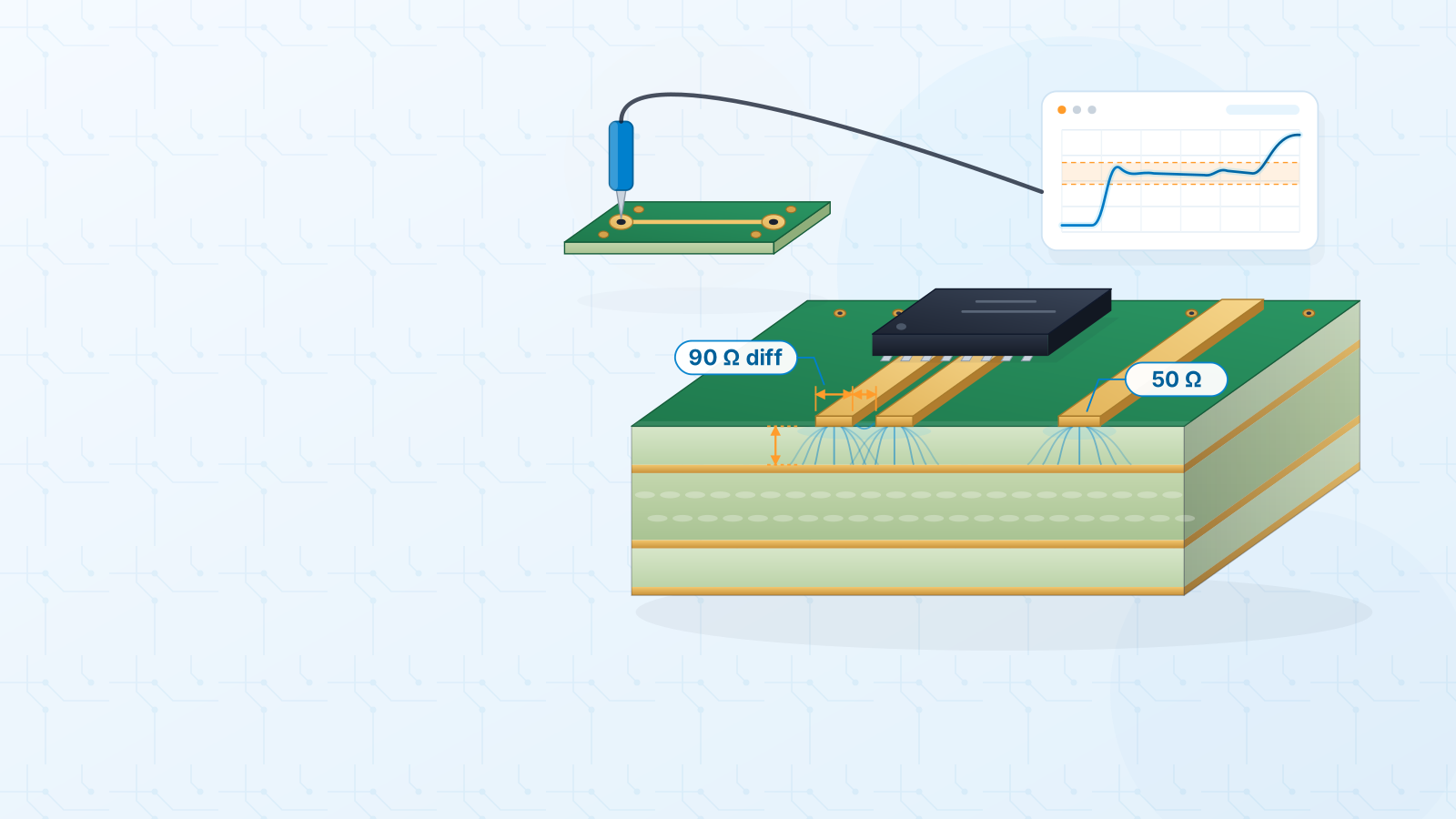
- 2The boards are fabricated and every board gets a 100% flying-probe electrical test at no extra cost.
- 3The boards are packed and handed to an express courier for delivery anywhere in India.
For bare PCBs, delivery is typically 10–15 working days including express shipping. Assembled boards take longer, because the schedule depends on the file review and parts availability. You can follow every stage — checking files, in production, dispatched — from your orders page, and a courier tracking number appears once the parcel leaves.
Your next step
Have your Gerbers ready? Upload them and see your price in a minute. If anything is still unclear, the online ordering FAQ covers quotes, payment and tracking, and the assembly quote FAQ goes deeper into pads, stencils and panels.
#online-ordering#pcb-quote#pcb-assembly#gerber-files#delivery
Get an instant PCB quote